
It is now easier to search for encounters in MeG using the MeG Library in ToolsFrompavis
The new tools are search by words contained in tags, name, race and notes content. Words search can force all words in the search words or any of the words in the words search field. MeG Library searches those from the word index that does not contain some common filler words. If you type in words that are not in the word index, MeG Library will inform that to you. MeG Library has generated three common synonyms for the words that exist in the MeG and inserted them to word index.
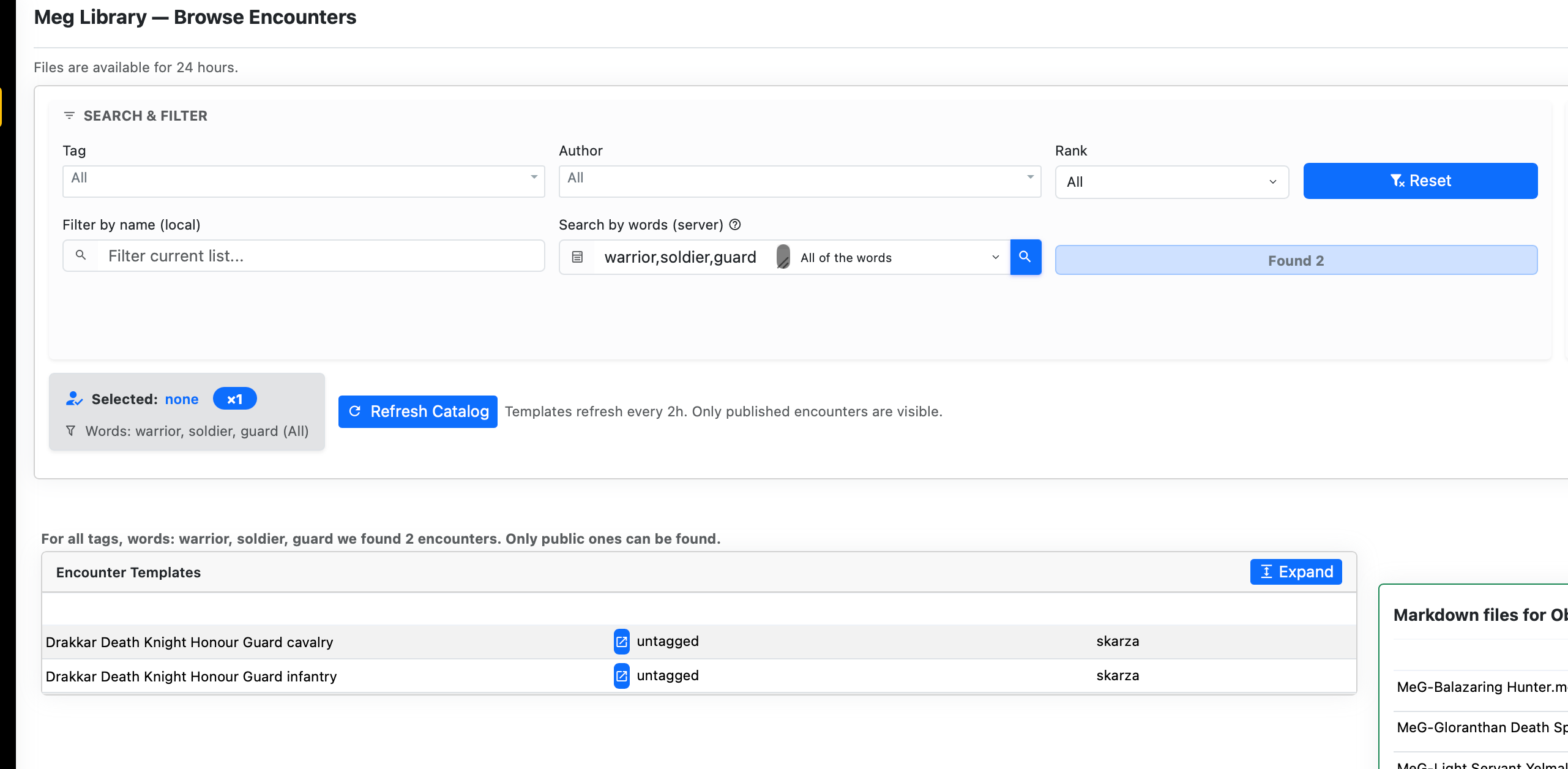
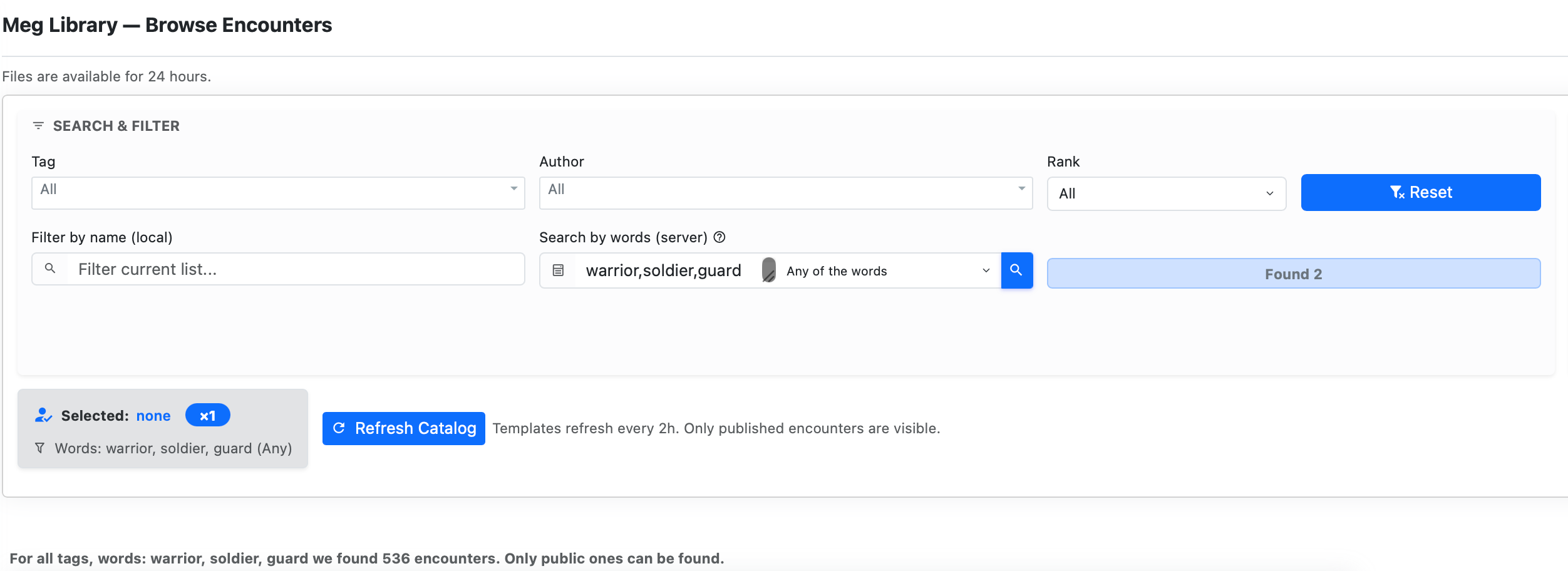
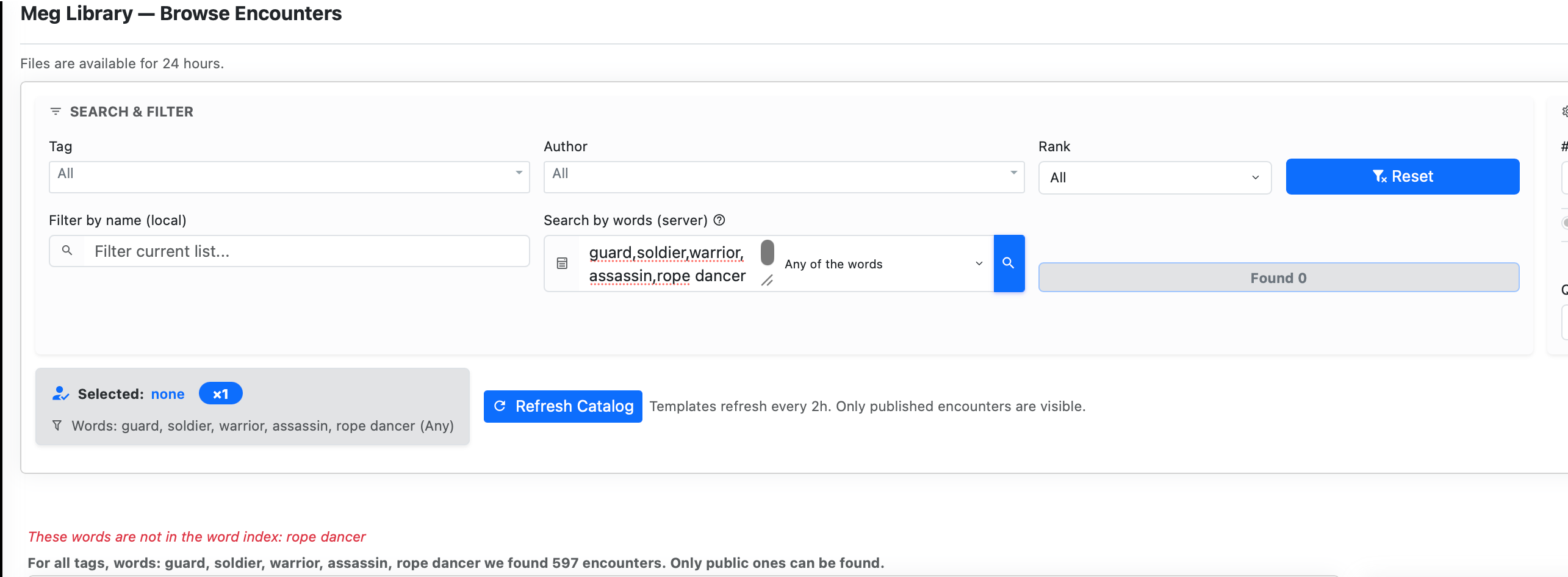
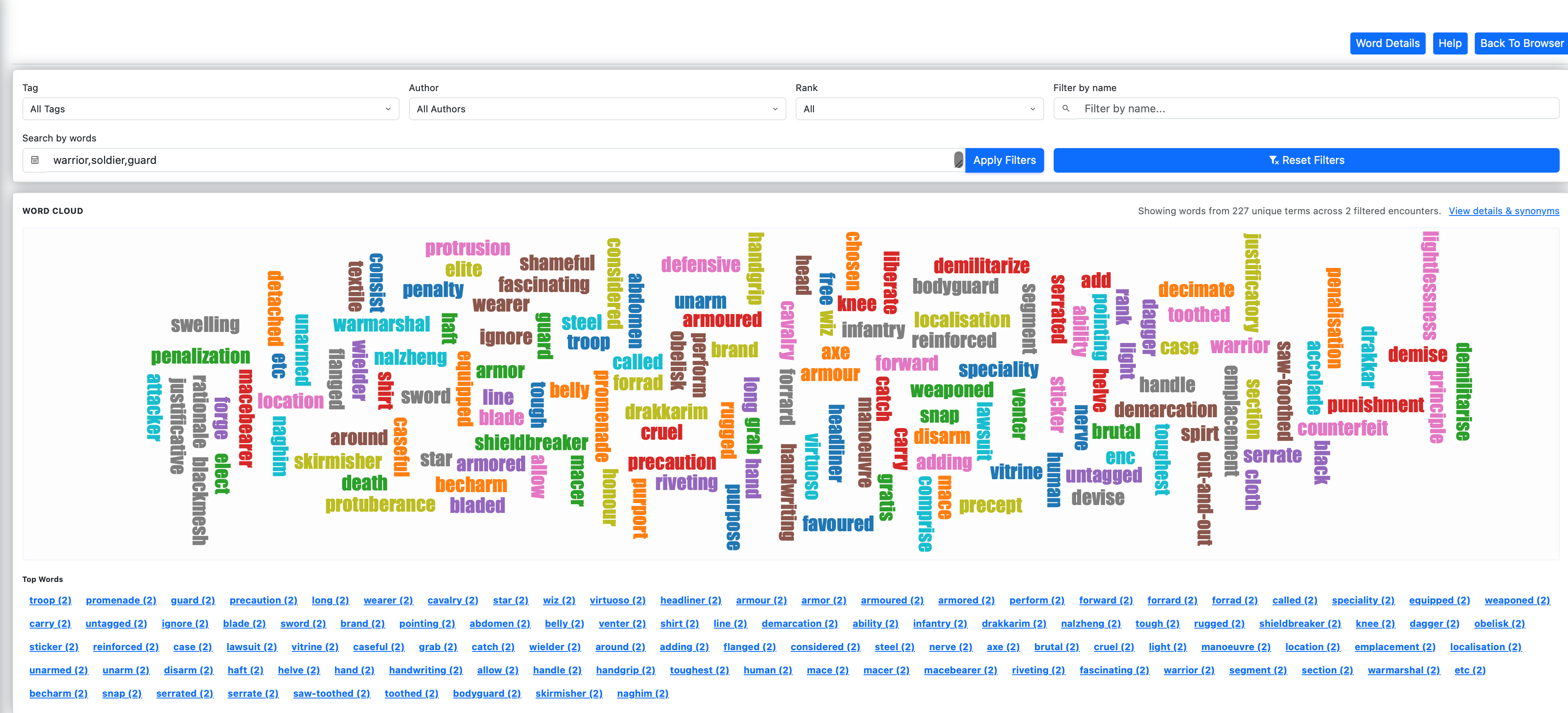
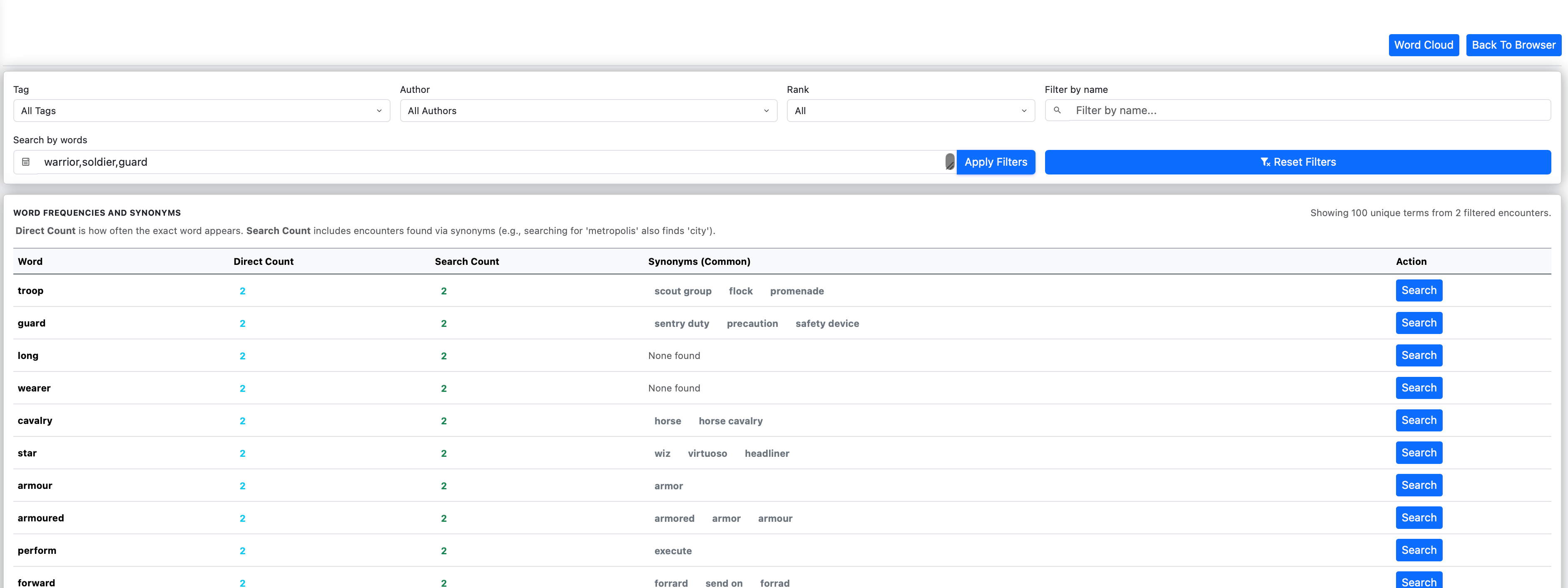
You can find what words exist and what words are popular using Word Cloud feature and you can see all the words in the words detail view. Either of those pages can get you back to Meg Library page with the selected words.
🧠 Advanced Search, Word Cloud, and Generation Features
Word Index (Deep Search)
Search now reaches across the entire dataset, including names, tags, and notes.
Normalization and synonym expansion improve recall and reduce missed matches.
Search Modes (AND / OR)
Choose whether results must match all search terms or any of them.
Your selection persists between sessions for a consistent workflow.
Word Cloud & Word Details
Explore keyword distribution visually or inspect exact counts and synonym mappings through the new Word Details view.
Combined Markdown Toggle
Control encounter output format:
- ON → single combined file
- OFF → individual files per entity
⚙️ Index Refinements, Rebranding, and UI Enhancements
Word Index Filtering
Introduced a centralized filtering system that removes filler words and search noise.
This improves relevance in both the Word Index and Word Cloud.
Meg Library (Rebranding)
“MeG JSON” has been renamed to Meg Library.
All routes updated to /meglib/ for consistency and future expansion.
You can find more about the new features of the companion app for MeG here
and about MeG here

 Notes From Pavis