Mythras Initiative Wheel — Keeping Turns Moving and Every Player Seen


What this app does

The Mythras Initiative Wheel is your **table spotlight manager**. It is system independent as such. https://www.toolsfrompavis.com/initiative/

It keeps every player **equally visible** and gently reminds you when it’s time to move on. Each participant—player or enemy—sits on a bright, rotating wheel. The active slice is highlighted, and a clear turn timer (default: two minutes) shows how much “screen time” they have left.

When the timer runs out, the app nudges you: it’s time to shift the camera. You can **add or remove players and enemies on the fly**, import foes from the Mythras Encounter Generator (MEG), and let the built-in suggestion prompts give hesitant players a quick push toward a decision.

Use the Wheel when:

  • The party is split and you don’t want anyone to sit idle.
  • Social or investigative scenes risk drifting to one or two vocal players.
  • You want **combat turns** to stay sharp and fast-paced.
  • You prefer a **visual, table-facing tool** that everyone can glance at.

The Mythras Initiative Wheel doesn’t replace your judgment as GM. It simply keeps time, tracks whose turn it is, and makes sure the **story spotlight keeps moving** so every player gets their moment.

Quick Start

  1. Open the app in your browser (desktop recommended).
  2. Use the default roster to practice advancing turns.
  3. Click the wheel (or the Advance button) to move to the next actor.
  4. Open Settings to adjust turn length, sounds, or notifications.
  5. Use the Roster panel to add or edit participants, or import enemies from MEG.

Why the Wheel Matters

  • Ensures **balanced spotlight time**—even when the party goes in different directions.
  • Keeps you aware of **when to shift attention** to quieter players.
  • Speeds up **social encounters, investigations, and combat** alike.
  • Lets enemies sit in the initiative order naturally alongside players.
  • The turn timer gently enforces **forward motion** and keeps scenes from dragging.
  • Suggestion prompts help **reduce hesitation** and spark ideas during a turn.

Interface Overview

Header Toolbar

  • Advance — Move to the next participant; timer resets.
  • Settings — Adjust turn duration, notifications, and suggestion text.
  • Show/Hide Suggestions — Toggle the suggestion flyout near the wheel.
  • Show/Hide Roster — Expand or collapse the roster panel.
  • Reset Defaults — Reset roster and suggestions to defaults.

Status Row

Shows the current loop/round, who is next, and when the state was last updated.

Wheel Panel

  • Large initiative wheel; **players** in beige tones, **enemies** in red tones.
  • Click anywhere on the wheel to advance to the next participant.
  • Click on label’s x to remove the enemy or player from the wheel
  • Turn timer and progress bar under the wheel.
  • Optional sound and desktop notifications when time runs out.
  • Optional **auto-advance** at timeout.

Suggestions Flyout

  • Shows **3 common suggestions** and **5 random suggestions** for the current/next actor.
  • Helps players quickly pick an action when they feel stuck.
  • Can be shown or hidden from the header toolbar.

Roster Panel

  • Add, edit, or remove players and enemies.
  • Import enemies directly from the Mythras Encounter Generator (MEG).
  • If you delete the active actor, the Wheel automatically moves to the next one.

Settings

  • Turn length — 5 to 3600 seconds per turn.
  • Auto-advance — Automatically move to the next participant when the timer reaches zero.
  • Play sound on timeout — Short alert sound when a turn ends.
  • Desktop notifications — System notifications when time runs out (requires browser permission).
  • Turn suggestions — Edit, reset to defaults, or save your own suggestion list so it persists.

Tips & Troubleshooting

  • No sound? Check “Play sound on timeout” in Settings and your system volume.
  • No notifications? Ensure “Desktop notifications” is enabled and that the browser has permission.
  • Timer not running? Reset the timer or confirm that a sensible turn length is set.
  • Suggestions not changing? Click Reset in Settings, or use “Reset defaults” in the header.

In 100 words

The Mythras Initiative Wheel is a fast, visual spotlight tracker for any Mythras table—perfect for split parties, social scenes, and fast combat rotations. The wheel keeps every player engaged by giving each participant a timed “beat” of attention. When their two-minute turn ends, the app gently alerts the GM to shift focus. Add or remove players and enemies on the fly, import opponents from MEG, and use built-in narrative prompts to spark instant creativity. Clean visuals, smooth pacing, and equal airtime—this tool keeps your whole table active, energized, and fully immersed in the story.

Where your settings live

The hub stores your preferences (like last-used count) in your browser’s local storage.

They appear only on the same device + same browser and disappear if you clear site data.

To clear them, remove site data for: http://www.toolsfrompavis.com

For other tools, charts and tables go to Mythras Charts and Tables

Some New (and Old) Generator Updates from ToolsFromPavis

I’ve been quietly updating the Toolsfrompavis generators again (and getting the access working) — if you’re like me and enjoy automating some of the background or flavor work for your games, there might be something here for you.

This time I focused on generators that produce useful game elements — things like NPC appearances, city scenes, names, monster events, and more. Whether you’re building a city night by night, detailing background cultures, or just need a pocket full of weird jungle encounters, these should help speed up prep (or spice up improvisation).

Here are some of the updated and new ones now live on the site:


🧟‍♂️ Monsters & Encounters

  • Ocean Monsters – For those monster-infested coastlines. Based on Mythras Monster Island.
  • Camp Site Events – why would one get rest only at a camp site.
  • Enemy Encounters – Quick enemy ideas for Monster Island.
  • Jungle Traps – Avoid them. Or don’t. Also from Monster Island.
  • Jungle BirdsJungle PlantsCoastal MonstersMonster Island Daily (Jungle Only) – These all add color, danger, or both to your tropical settings.
  • Ghoul Description – For when you need your undead just disgusting enough.
  • War – Primitive Combat Units for Monster Island from Ships and Shieldwalls
  • Lairs of Ghouls, Pirates and Thieves

🧍 Characters, People, Cultures

  • Three Line NPC – Fast NPCs with looks, jobs, and quirks.
  • Vadeli Person and AppearanceFonritan Person (M+F) and AppearanceMaslo Agimori AppearanceSartarBackgroundFonritanBackground – All tied into Gloranthan cultural frameworks.
  • Names Generators – For Orlanthi, Fonritans, High Folk, Africans, Arabs — male and female.

🛠 City & Campaign Flavor

  • Activity at City – Slice-of-life or trouble in the streets.
  • City Bad Night Encounter Seeds – Mornings after strange nights.
  • Barroom BrawlGraffitiRuined BuildingWhispers in the Bar – All great for taverns and streets with character.
  • Faction Names – To put a name to a faction in your city politics.

💰 Items, Currency, Treasure

  • I Loot The Body – Because players always do.
  • Coinage for GloranthaCoin Stash – For populating your shops and loot piles.
  • Poison, Disease and Basic Poison – Some nasty stuff here, from Mythras.

🎭 Questions, Prompts & Roleplaying Tools

  • Questions – InterrogationPhilosophicalFun – If you’re stuck or want to explore character ideas.
  • Background Connections – Tie your PCs more tightly to the world.

If you’re already using some of these — I hope the updates are smoother, faster, and maybe offer a few new surprises. If not, give them a try! These are small tools made with care and an eye for games that mix improvisation and prep.

Let me know if something breaks, or better, if you use one of these and something cool happens at your table.

Many of these generators draw on a mix of published RPG resources and custom adaptations. You’ll find inspiration from Raging Swan Press (especially their Urban and Dungeon Dressing series), the mythic pulp of Monster Island (from The Design Mechanism), and background material from Mythras and Glorantha. A few idea generators are based on prompts from Johnn Four’s Roleplaying Tips, while others — like the background tables and NPCs — are Toolsfrompavis originals built to fit into a Gloranthan or bronze-age fantasy context. Where possible, sources are noted directly in each tool’s explanation.

You can find all of these at ToolsFromPavis 

Core Codex – Crafted Generic Opponents in MeG

Here is a set of opponents for Mythras Encounter Generator crafted using the Pyramid method from Mythras Companion. The idea is that on this tag (Core Codex) the opponents use exactly the culture and career skills from RAW when generating an encounter for the specific culture and career using Pyramid method. The skills that are enhanced as follows

  • 50 (30+4d10)
  • two skills 20+4d10
  • three skills 10+4d10
  • four skills 4d10
  • five skills 2d10

The skills are the once that would be most “suitable” to enhance for a career in this culture (this is of course always a judgment issue).

After this each of the skills the opponent has are enhanced first with 2d10 to reflect generic NPC history development.

The combat styles are given that would be suitable for this combo if any. The combo might have multiple that are selected randomly, might even have two combat styles. This should give a varied examples of combat style traits into your campaign.

The weapon choices are given that would be suitable for this profession in generic fantasy campaign.

The passions are then given that would be suitable for this culture/career combo. After that the description for a flavour is added.

Each of the Core Codex members are given folk magic and a random selection of spells suitable for the profession.

There will be more of these Core Codex members later – eventually all the profession pairs might be gathered.

This set could be used to clone a campaign specific civilized rogue instead of this generic civilized rogue.

With this method – some of the opponents reach master level and most reach veteran level. If you need lesser opponents adjust the skills by minus 20% to reach entry level opponents.

You can find these from the home page by writing tag name Core codex into search line.

You will find more information about Mythras Encounter Generator here

Cult of Gark the Calm (Hombori Tondo)

Here is an unofficial version of Gark the Calm cult for Mythras. There are now also new or revivified versions of its servants in MeG.

“Why suffer, when peace awaits? Why toil in agony when there is labor without pain, service without burden? Gark the Calm offers you eternal rest—where the body finds purpose and the soul finds serenity. Join us, and see that death is not an end, but a tool of harmony. Gark’s path is calm. Gark’s peace is eternal.”


Pantheon: Chaos Pantheon, Fonritian Pantheon

God of Eternal Peace, Eternal Life, and Zombies

Pantheon:: Chaos Pantheon,Fonritian Pantheon Chaos God of Eternal Peace, Eternal Life, and Zombies


Gark’s priests travel the world in many guises, promising the seemingly impossible to the impoverished people of all civilizations: peace and solace from the miserable world. Gark’s worshipers call him by many names, but every crowd of hopeful pilgrims disappears into ancient ruins or forbidden places. No one knows the fate of these souls, though a terrible odor rises from the zombie populations of those places.

Gark is depicted in whatever form is most pleasant to potential worshipers.
Source: Prosopedia

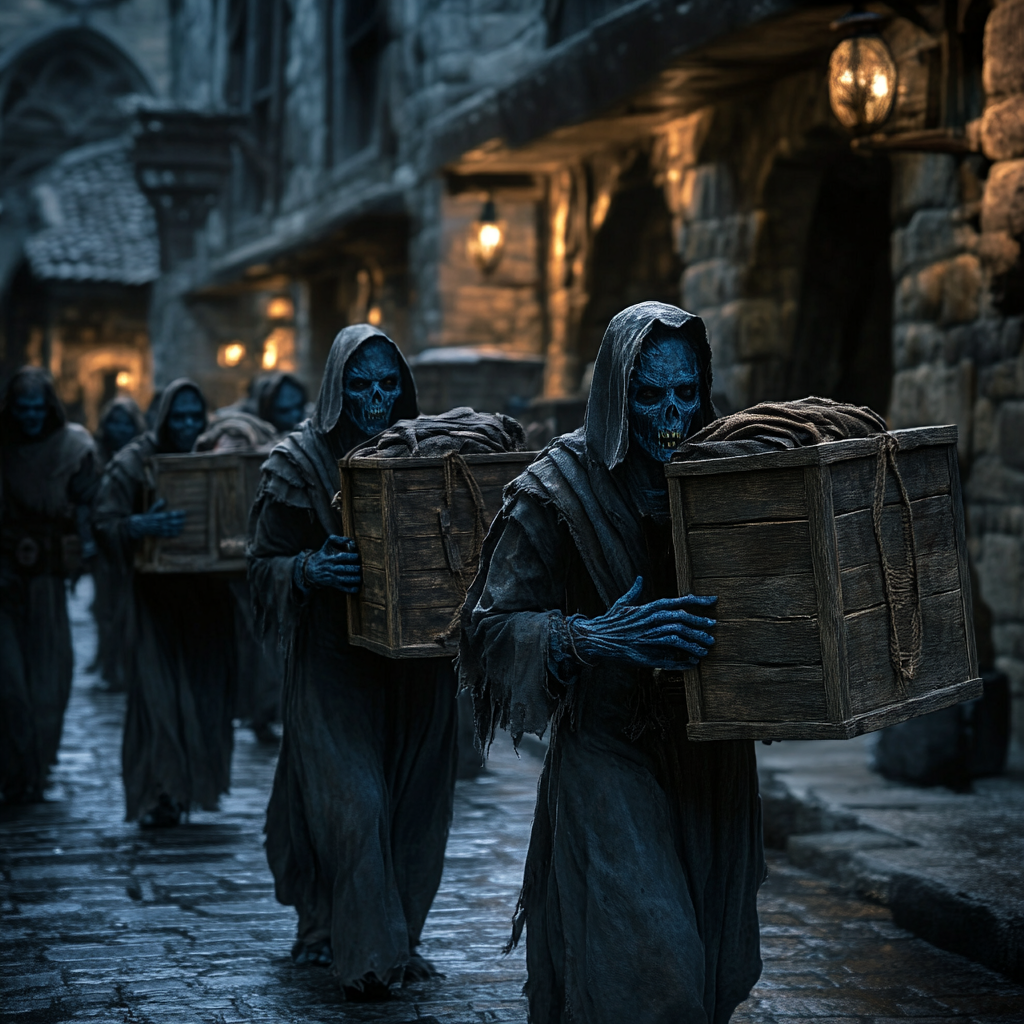
An extreme offshoot of Fonritian religion comes from the philosophical belief that the physical body must be maintained at all costs. The members of the popular cult of Gark the Calm donate their corpses to the temple of the god. For a period of time, anyone can visit the corpses as they do labor for the temple. After that period expires, the corpse is packed away, supposedly to holy temples high in the mountains. The cult gives out amulets that will let the corpse’s descendants know if their ancestor has slipped away, despite the tender ministrations of that silent god.

Source: Guide to Glorantha

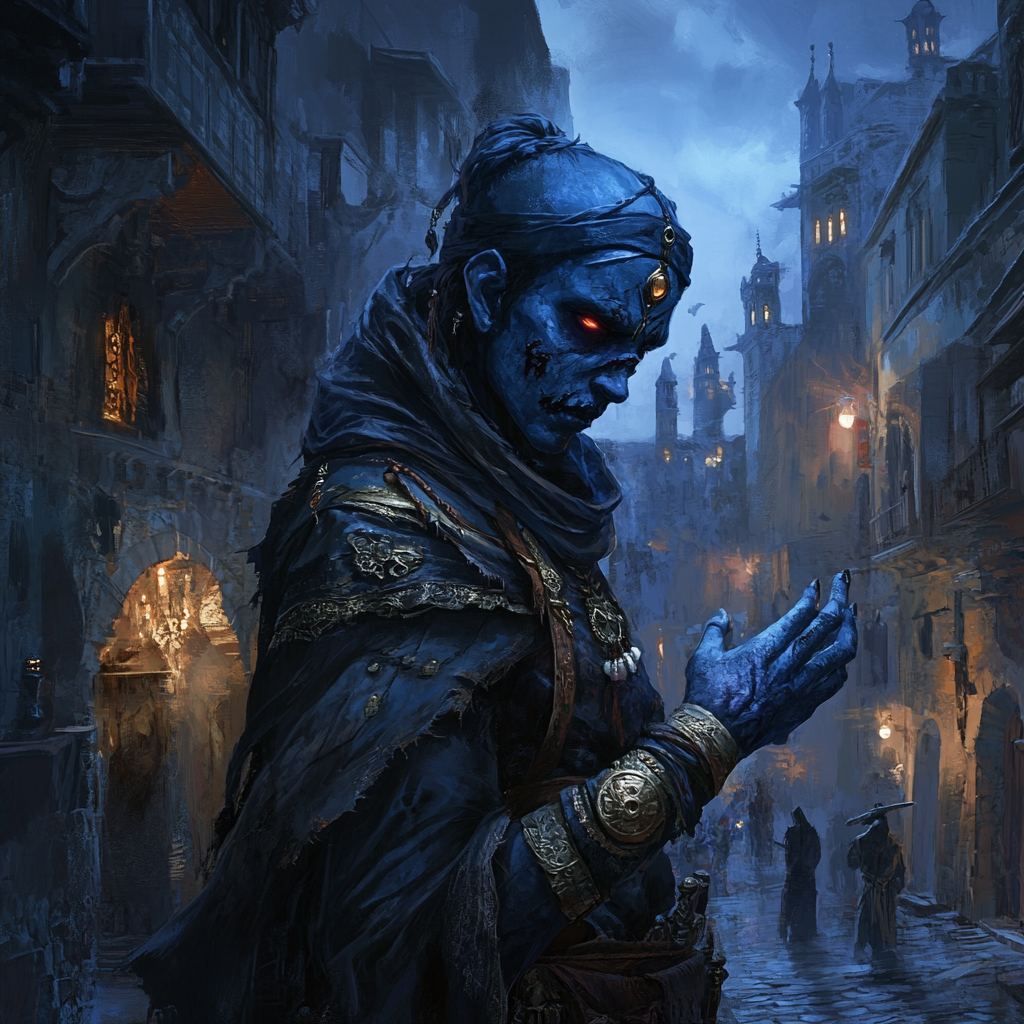
The Cult of Gark the Calm thrives in the shadowy corners of Hombori Tondo, exploiting the city’s disparities of wealth and power to recruit desperate followers. In a city teeming with intrigue and unrest, the cult offers a seductive promise: eternal peace, freedom from life’s burdens, and the utility of uncomplaining, undead servitude. Gark’s followers—known as Garkists—are practical necromancers who use corpses as tools of labor and societal function, particularly as tireless workers for the city’s ambitious building projects, trade enterprises, and even menial labor.

The cult has a hidden, sacred place known only as “The Island”, an eerie shrine reached by raft across an underground lake or one of the remote swampy waterways around delta near Hombori Tondo . Rafts, rowed silently by zombie servants, carry pilgrims and the corpses of the newly dead to the Island, where the dead are consecrated into the service of Gark. The Island serves as a central hub of the cult’s operations and a place of pilgrimage for its faithful.

Though the cult claims to promote harmony through the elimination of suffering, their practices are deeply unsettling to most. The streets of Hombori Tondo whisper of pilgrims disappearing into hidden crypts or ancient ruins, only for their bodies to reappear as tireless, unfeeling laborers. The cult’s power lies in secrecy and a chilling pragmatism that belies their outwardly peaceful doctrine.

Runes

  • Harmony: The cult seeks to bring “peace” by turning death into utility, masking chaos with order.
  • Magic: Gark grants mastery over the mystical processes of necromancy and zombification, his followers wielding potent spells to bend the dead to their will.

Mythos and History

The myths of Gark trace back to the God Time, where he is said to have emerged from the Black River of Stillness, a cursed waterway that lies hidden in the depths of the world. According to legend, Gark brought peace to a land torn apart by war and famine, not through battle or negotiation, but through the gift of Eternal Rest. He visited a great city suffering from plague and starvation, where rulers struggled to maintain order among the living. As death swept through the streets, Gark appeared, calm and serene, offering to “ease the burden” of their dead.

He raised the fallen with a wave of his hand—not as vengeful, mindless creatures but as silent, tireless workers who could toil endlessly for the benefit of the living. The city flourished under Gark’s guidance, its fields tended by the dead, its walls repaired by uncomplaining hands. Gark taught the living that peace could be found by accepting death’s utility, unburdening both the soul and the society from the weight of suffering.

But the myth takes a darker turn: as the city’s prosperity grew, so did its reliance on the dead. Soon, they began offering their own sick and weak to Gark in return for his blessings. The living were outnumbered by the dead, and the city fell into eerie silence. When outsiders came, they found no living souls—only a city of perfect order, populated entirely by zombies who continued their work in grim, lifeless perpetuity.

In the myths, Gark is depicted as neither good nor evil. He is the embodiment of peace and purpose through the relinquishment of life. His followers interpret this as an eternal gift, though others see it as a chilling curse.

Nature of the Cult

The cult justifies its use of the dead through a twisted form of utilitarian logic:

  • The Body as a Tool: The body is a lifeless shell once the soul departs, and its purpose can be repurposed to benefit the living.
  • Harmony through Labor: Garkists see zombies as perfect slaves, uncomplaining and tireless, useful for tasks deemed beneath the living. This aligns with Fonritian traditions of slavery, though the undead serve even more efficiently.
  • Avoidance of Waste: Corpses are seen as a wasted resource unless utilized. The cult often resorts to grave-robbing or quietly collecting the bodies of the poor, promising families that their loved ones are being “honored” through service to the city.

Organization

The cult operates in congregations, each led by a Priest of Gark, who oversees the rituals and manages the supply of corpses. In Hombori Tondo, the cult has deep connections with several key institutions:

  • Builders and Merchants: Garkists offer cheap zombie labor for construction projects, caravans, and dock work.
  • Graveyards and Funeral Rites: They clandestinely acquire bodies through agreements with corrupt officials or outright theft.
  • The Island: A hidden shrine accessible only by raft. Zombie rowers ferry pilgrims and corpses to this eerie sanctuary, where the dead are consecrated and new followers undergo initiation rites. The Island is rumored to house ancient relics and forbidden knowledge, protected by both magical wards and undead guardians.

The cult maintains a strict hierarchy:

  • Initiates learn basic magic and serve as labor organizers or corpse collectors.
  • Acolytes master zombification spells and oversee small-scale projects.
  • Priests lead major rituals, manage sacred sites, and ensure the cult’s secrecy.

Membership 

  • Initiation Requirements: Candidates must donate a corpse (preferably fresh) or their own body upon death. Many members join out of desperation, lured by promises of peace or economic opportunity.

Social Role:

  • The cult provides a tireless workforce to the city through its zombie labor, filling roles that others avoid, such as construction, heavy lifting, and menial tasks. This has made the cult indispensable to certain merchants and builders.
  • Lay members are drawn in by the cult’s promises of eternal peace, freedom from suffering, and the promotion of social stability, which appeals to the desperate poor.

Folk Magic

Befuddle
Calm
Might
Shove
Slow
Vigour
Voice Used to command the zombies

Rune Magic

Initiate Level

Cancel Light
Chill
Labor’s Accord (Modified City Harmony): A spell that inspires cooperation and suppresses resistance among laborers, including zombies and living workers, for a short period.
Doleful Chime
Draw Human
Reflection
Spirit Block
Synchronize

Acolyte Level

Create Zombie
Sacred Band

Priest Level

Ageing
Turn Blow

Gifts and Compulsions

  • Gifts: Horde
  • Compulsions:
  • Members develop an obsessive fascination with corpses and the undead.
  • Higher-ranking members (Acolytes and Priests) often seek to have their own bodies animated upon death, sometimes taking extreme risks to achieve this sooner.

Cult Skills

Brawn
Craft (Masonry or Construction)
Endurance
Lore (Cult)
Lore (Human)
Perception (to locate fresh corpses or assess structural weaknesses)
Stealth (to acquire bodies and evade authorities)

Allies and Enemies

  • Allies:
  • Corrupt merchants and builders who benefit from cheap zombie labor [[Into the Heart of Darkness/Factions/Cults and Brotherhoods/Orange Guild|Orange Guild]]
  • Desperate poor families who see the cult as a means of survival.

Enemies

  • Humakt Cultists: The cult of true death sees Garkists as a blasphemy against the natural order.
  • Leopard Secret Police: Their grave-robbing and hidden activities have drawn the attention of Hombori Tondo’s secret enforcers.
  • Brotherhood of Behemoth: The Behemoth Guild, which dominates beast-handling and work animals, fiercely opposes the cult. They see zombie labor as a direct threat to their livelihood and traditions, often leading to violent clashes.

The Cult of Gark the Calm has deep roots in the shadowy corners of Hombori Tondo, with its eerie rafts crossing to The Island and its relentless pursuit of death as utility. Its chilling practices place it in direct conflict with those who see life—and death—as sacred, making it both feared and sought after by those desperate enough to embrace its morbid promises.