www.ToolsFromPavis December 2025 Update 🎲⚔️
December has been a busy month behind the GM screen. Since December 2nd, ToolsFromPavis has picked up a bundle of improvements aimed.
⚡ MeG Encounter Library: Fast Enough to Disappear
The Encounter Library has had a serious performance tune-up.
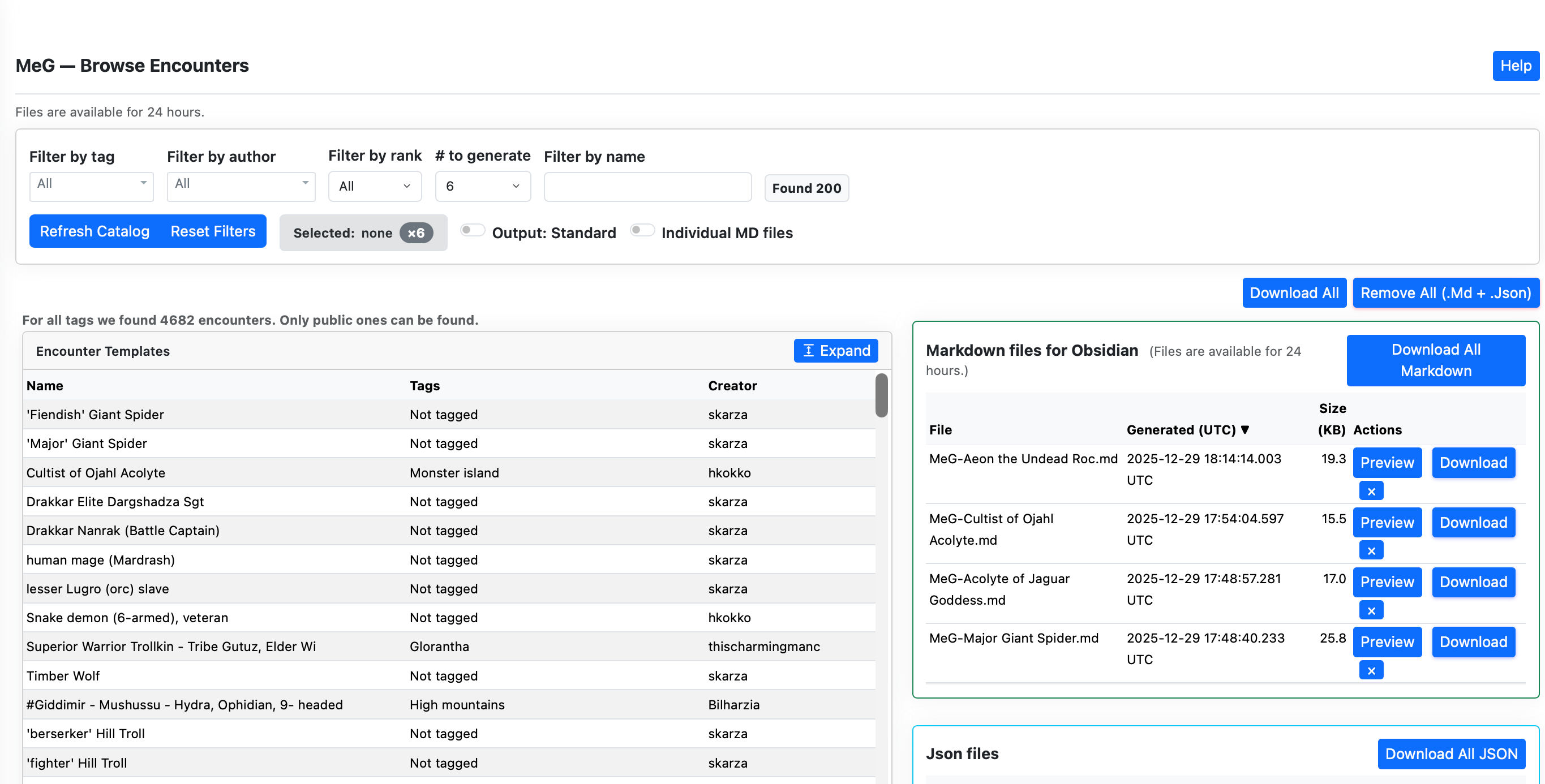
- Infinite Scroll & Paging Browsing large encounter catalogs no longer drags your browser into the mud. Encounters now load in fast 200-row batches with HTMX-powered infinite scroll, keeping everything responsive even with thousands of entries.
- Source Transparency You can now see exactly where your data comes from, live database or validated cache, plus how fresh it is. Live “Read X minutes ago” timestamps make it obvious what you’re looking at.
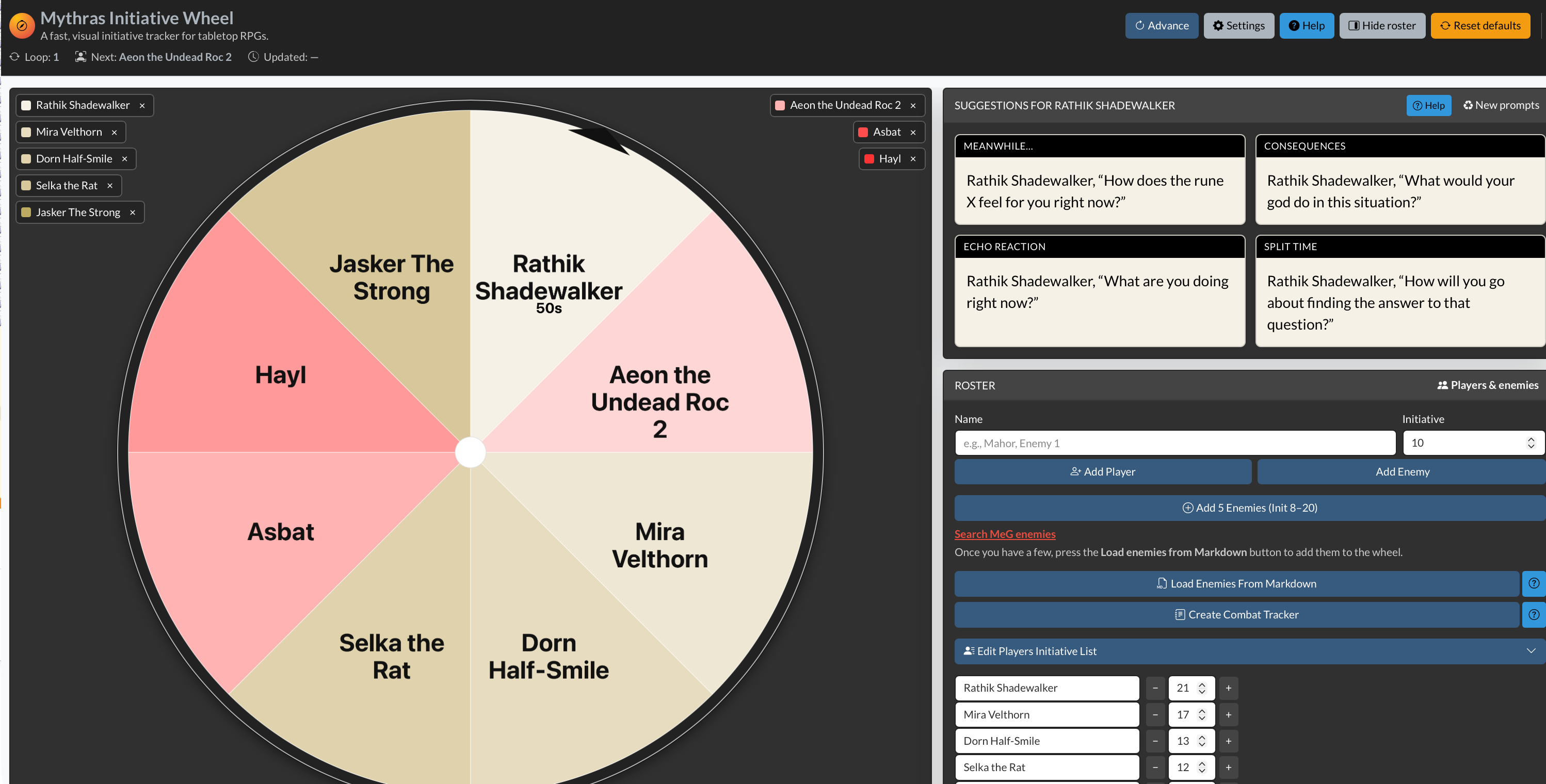
- One-Click Combat Tracker A new “Combat Tracker from Initiative” button in Initiative Wheel page lets you turn your current Initiative Wheel state directly into a markdown Combat Tracker session ready to add to your Obsidian . This is just first version
- Clearer Initiative Flow Small visual improvements help follow the initiative. Pulsing turn indicators and clearer font sizing make it obvious whose turn it is, even in busy encounters.
📝 Obsidian Statblocks & Content Tools
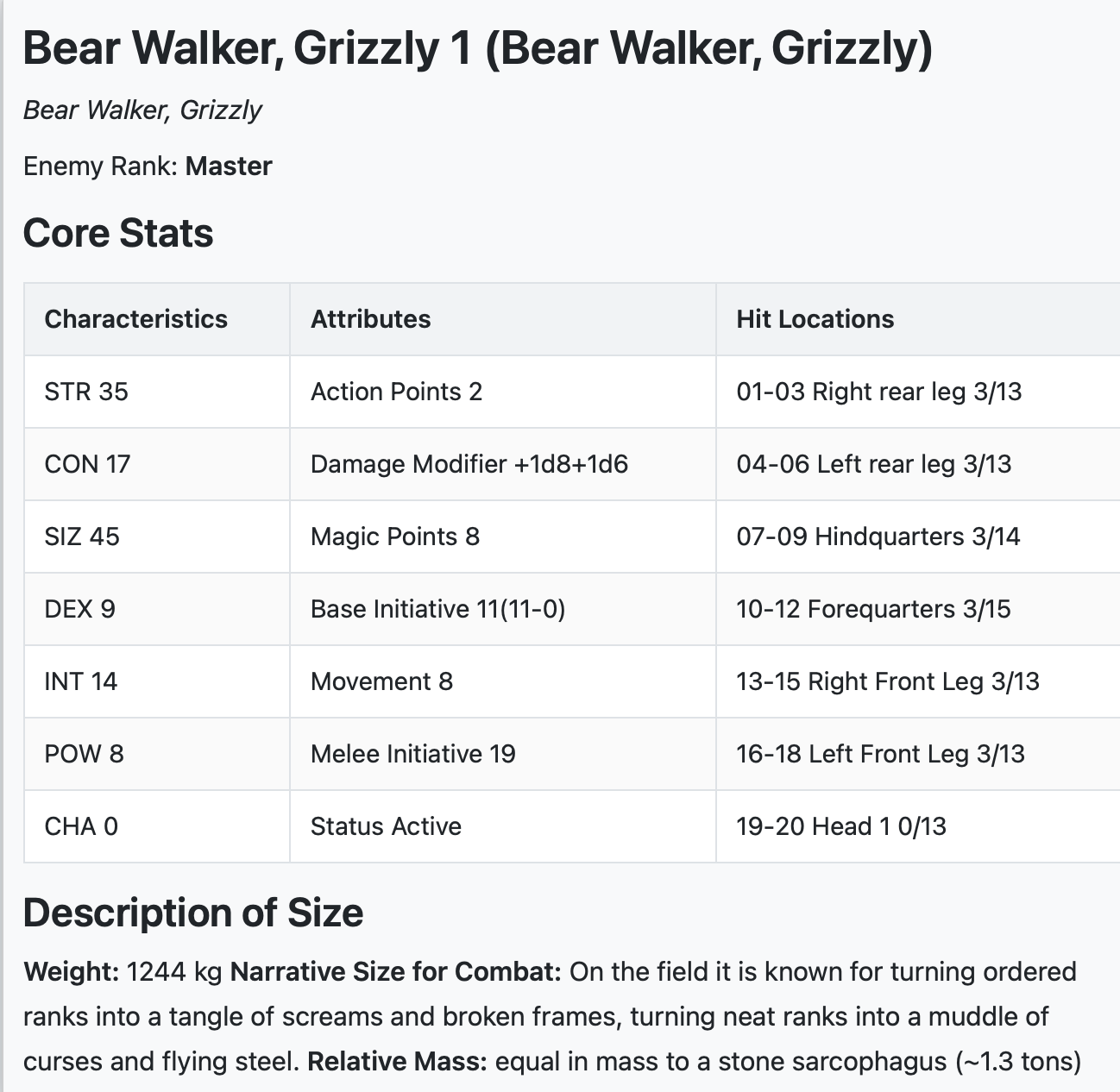
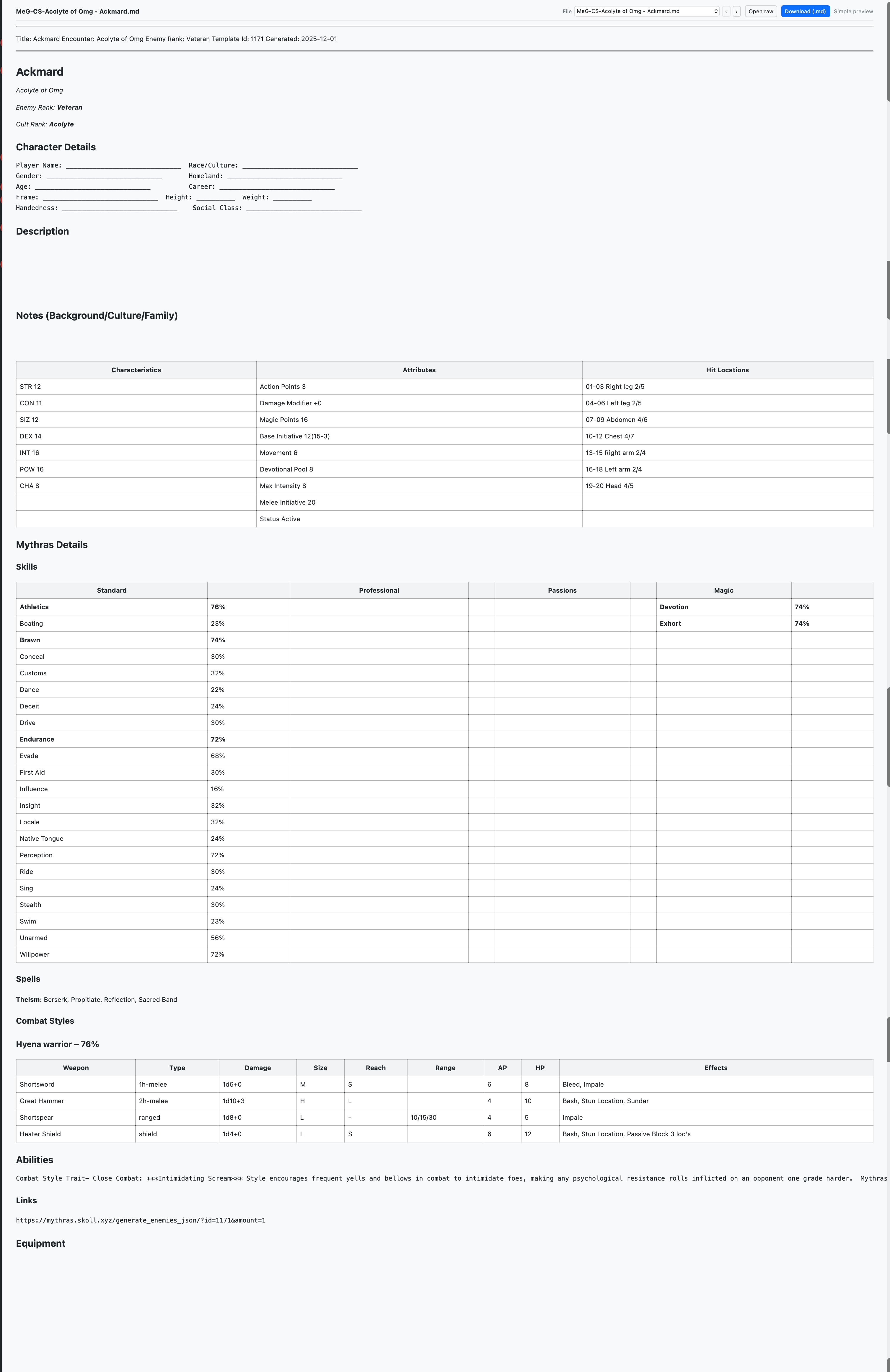
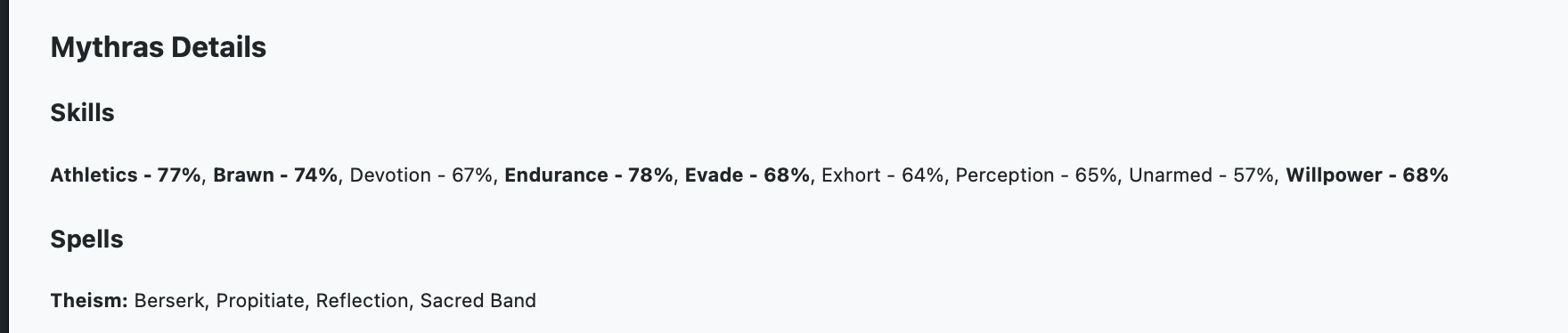
Exports are now cleaner, richer, and better aligned with Mythras rules.
- Customizable Links Choose between visible links for navigation-heavy notes or plain text for clean reading and printing.
- Improved Size & Build Descriptions Creature exports now use proper Mythras SIZ bands with narrative size descriptions. Humanoids also receive body-build descriptors plus randomized height and weight from Mythras RAW.
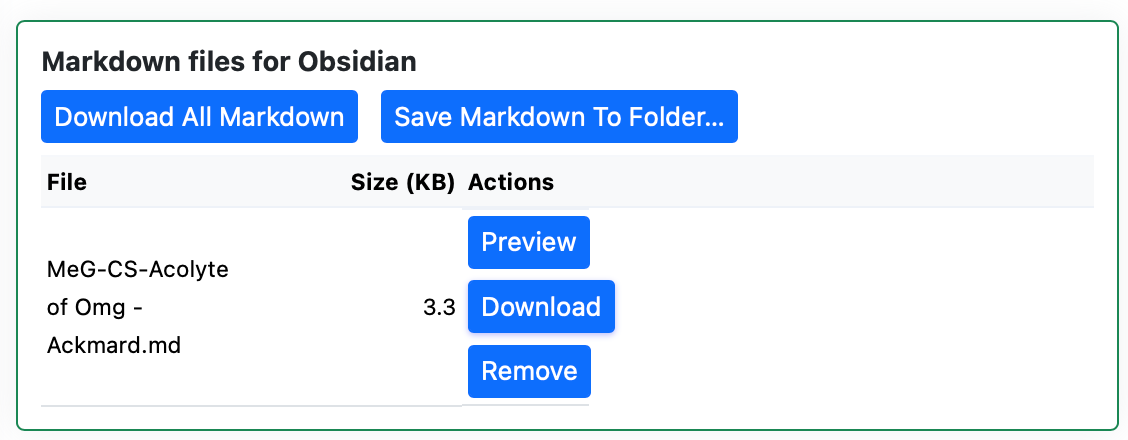
- Smarter Naming Logic Exported filenames are cleaner and more predictable. Character Sheets, for example, now automatically gain a “-CS” suffix, making Obsidian folder hygiene much easier to maintain.
- Statblock API Throttling The API now includes rate limiting to keep everything stable and responsive, even under heavy use.
- Improved Error Integrity and lots more tests.
🎨 UI, UX, and Mobile Polish
Small refinements that add up at the table.
- Unified Help HubAll tools now link into a single, theme-aware help system that respects your Light or Dark mode choice.
- Mobile Tweaks Menus, spacing, and tooltips have been tightened up so the MeG Encounter Library and Initiative Wheel behave properly on phones and tablets, whether you’re GMing from a laptop or a side table.
- Firefox tuning. Small tuning for Firefox browser
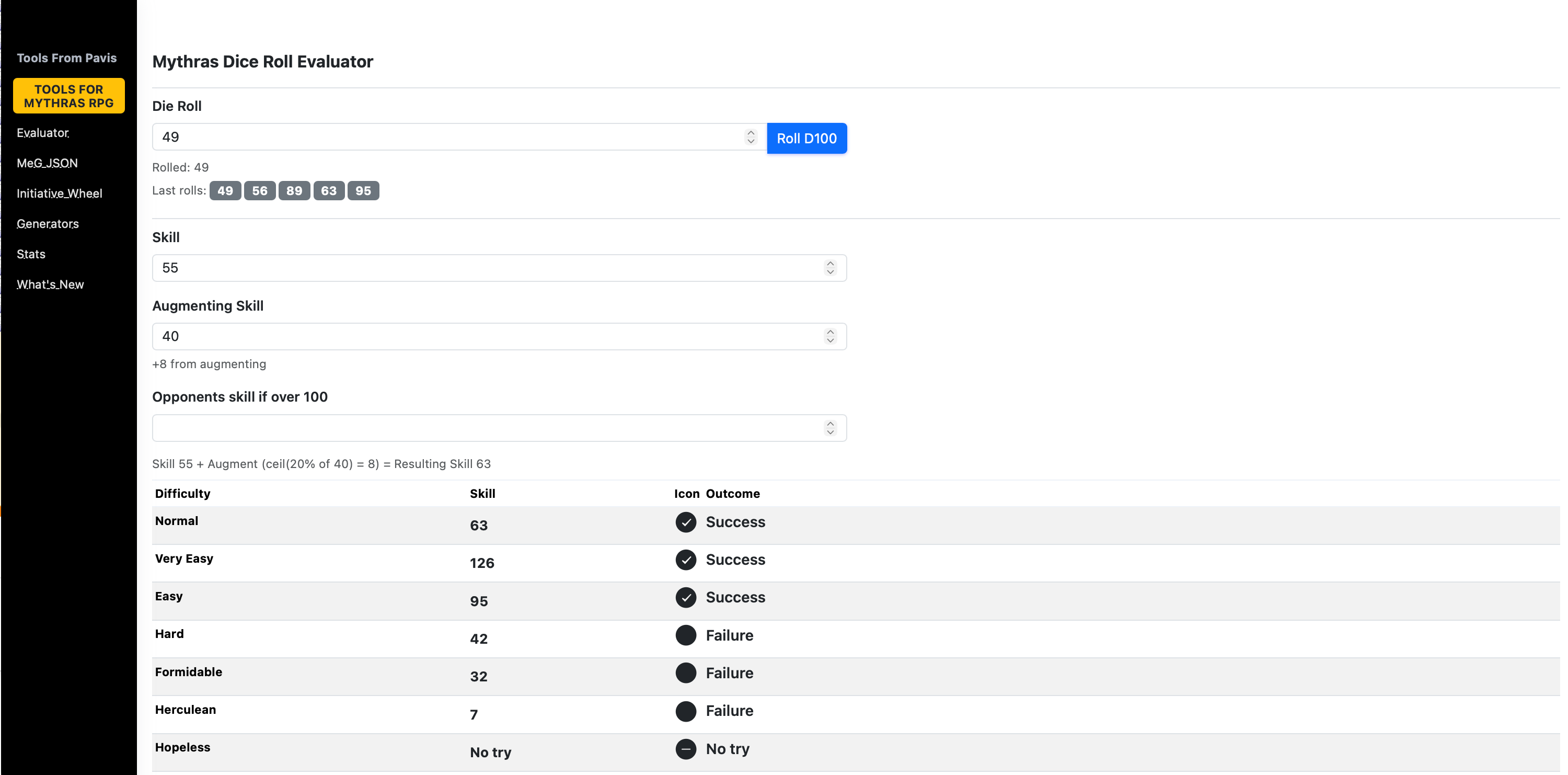
- Dice roller updates – shows 5 last rolls. Some tuning of the UI.
As always, thank you for using ToolsFromPavis and for the steady stream of feedback, bug reports, and playtest abuse. The tools keep evolving because real GMs keep pushing them in real sessions.
More to come. Dice willing. 🎲
You can find the tool here http://www.toolsfrompavis.com
More about Initiative Wheel here
More about Mythras Encounter Library here



 Notes From Pavis